GETTING STARTED
Search Settings
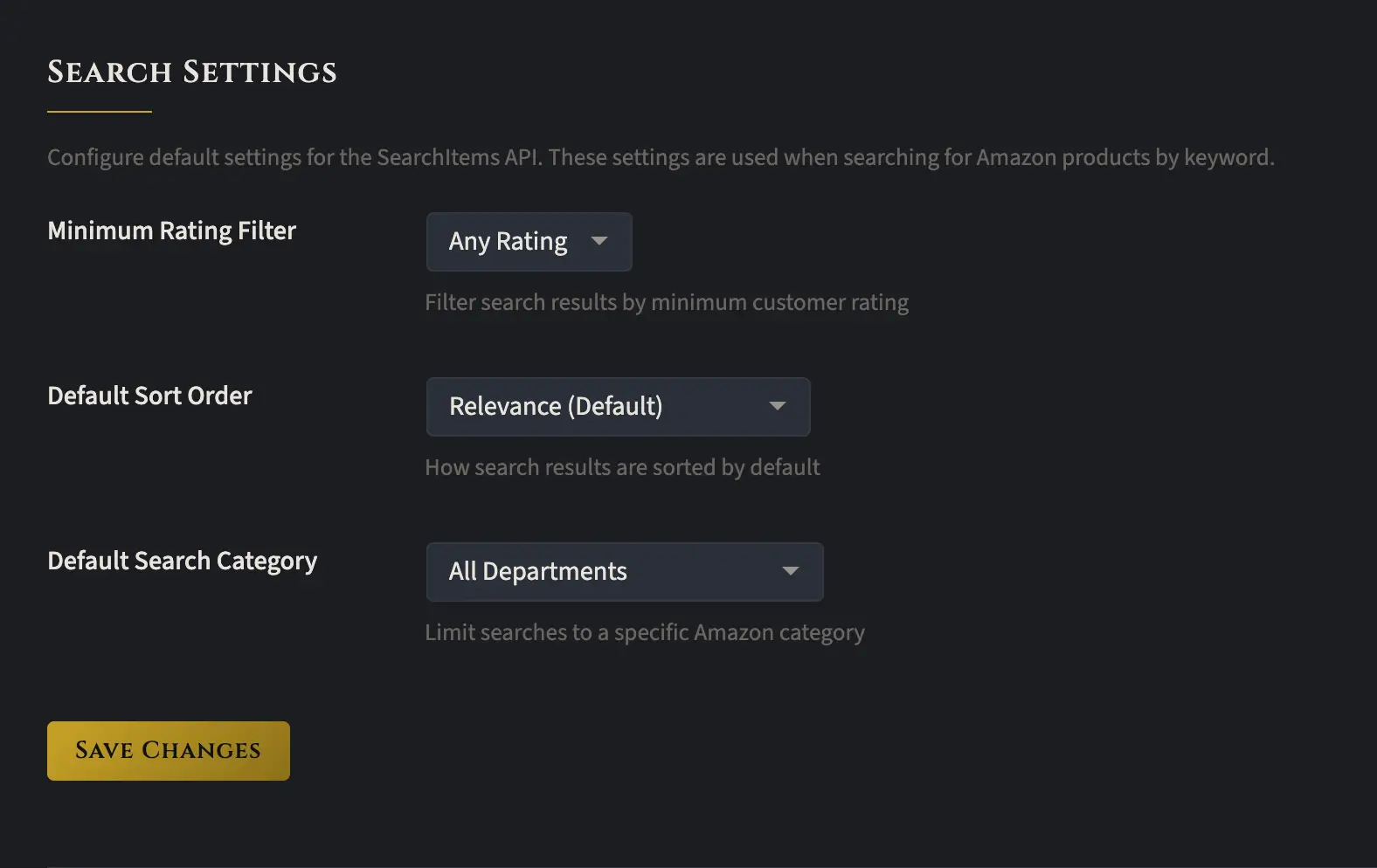
The Search Settings tab lets you specify how Amazon products are searched for. If you’ve been poking around, you might’ve noticed that the Auto Insertion tab has identical search settings. So why bother setting them here too?
The answer is that these settings apply in one additional situation. This plugin accepts several types of shortcodes (you can see them all in the Templates tab) for searching Amazon products by keyword. When you use a shortcode to search by keywords, these global search settings are what get used.
That said, if you don’t plan on using keyword shortcodes, you don’t technically need to configure anything here. You can just set your search settings inside the Auto Insertion tab and call it a day.