AI API Credentials
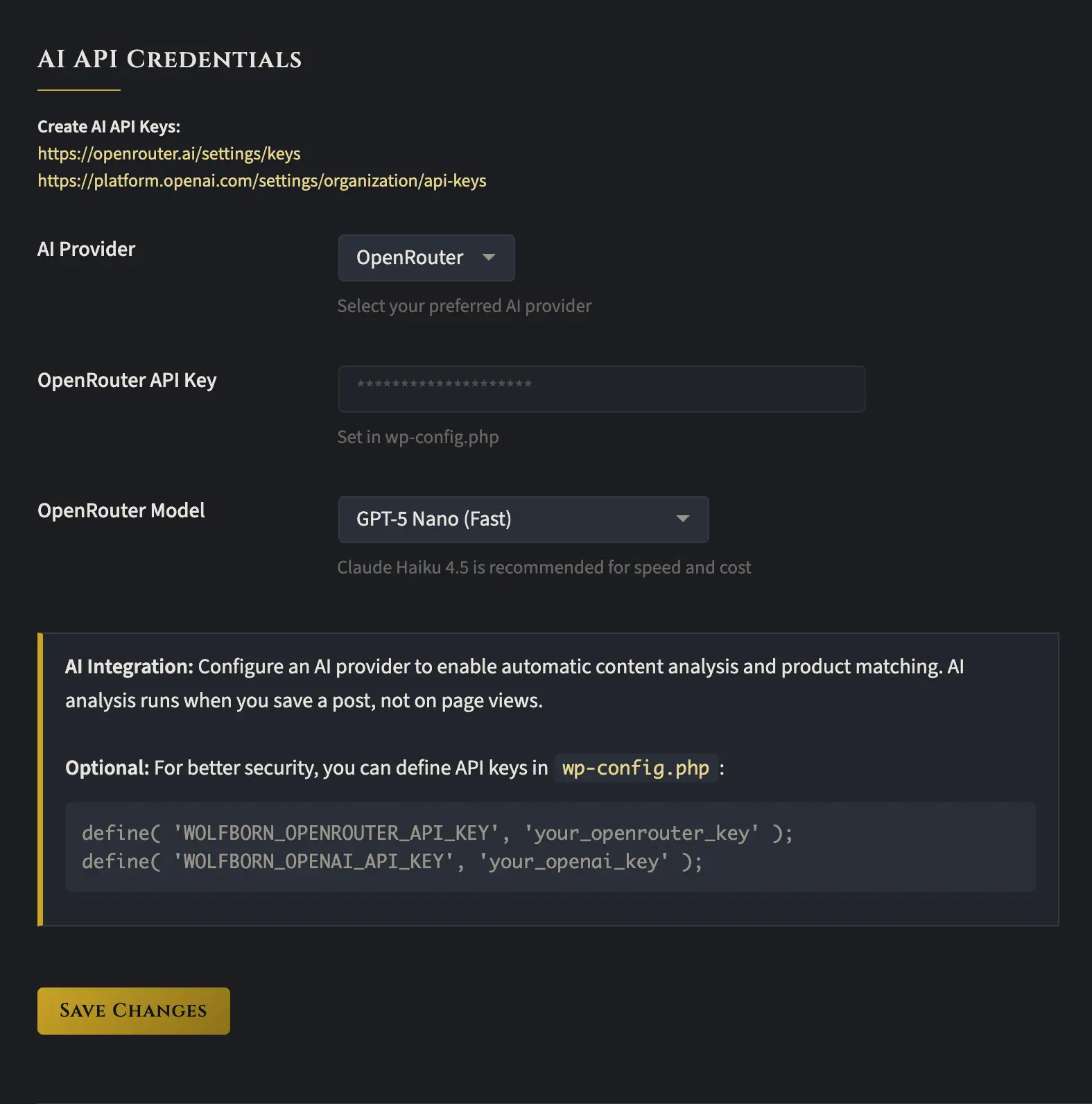
To use this plugin, you’ll need to connect an AI provider. The easiest way is to grab an OpenRouter API key. Unlike OpenAI, it’s super easy to get a key, there’s no rate limit, and you start at the highest speed possible. You can put as little as $5 on your account
For model selection, I’d recommend going with GPT 5 Nano. It’s incredibly inexpensive, very fast, and can do the job just as well as any of the other models.
The main way the plugin uses AI is for auto-insertion, where the AI reads portions of your blog post and generates search strings to find relevant products on Amazon. AI is also used when creating large cards. Those take quite a few seconds to generate, but the end result is pretty impressive.
Finally, a quick note on security. If you’re able to, it’s better to put your keys in your wp-config.php file using the format described above. If that’s not an option, you can just load them into the GUI instead.