Customizing the Appearance
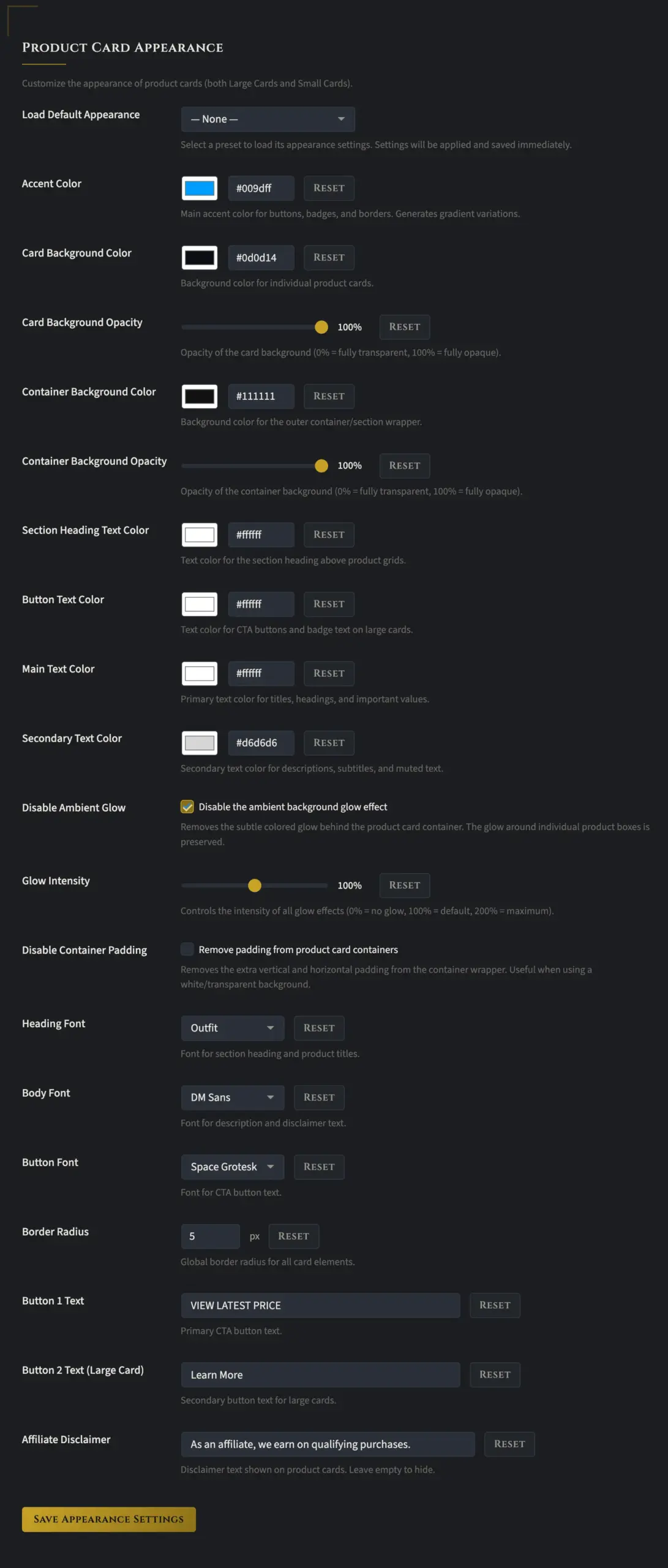
The appearance options give you complete control over how your product boxes look. The first option is “Load Default Appearance,” and if you select the drop-down, you’ll see multiple profiles stored by default. You can load any of those to see if one fits your site right out of the box. If not, you can customize how the cards look to match your specific needs.
I’m not going to walk through every single option here. There are a lot of them, and there’s a ton of flexibility built in. The best approach is to just play around with things. As you start experimenting, you’ll pretty quickly get a feel for how everything works.
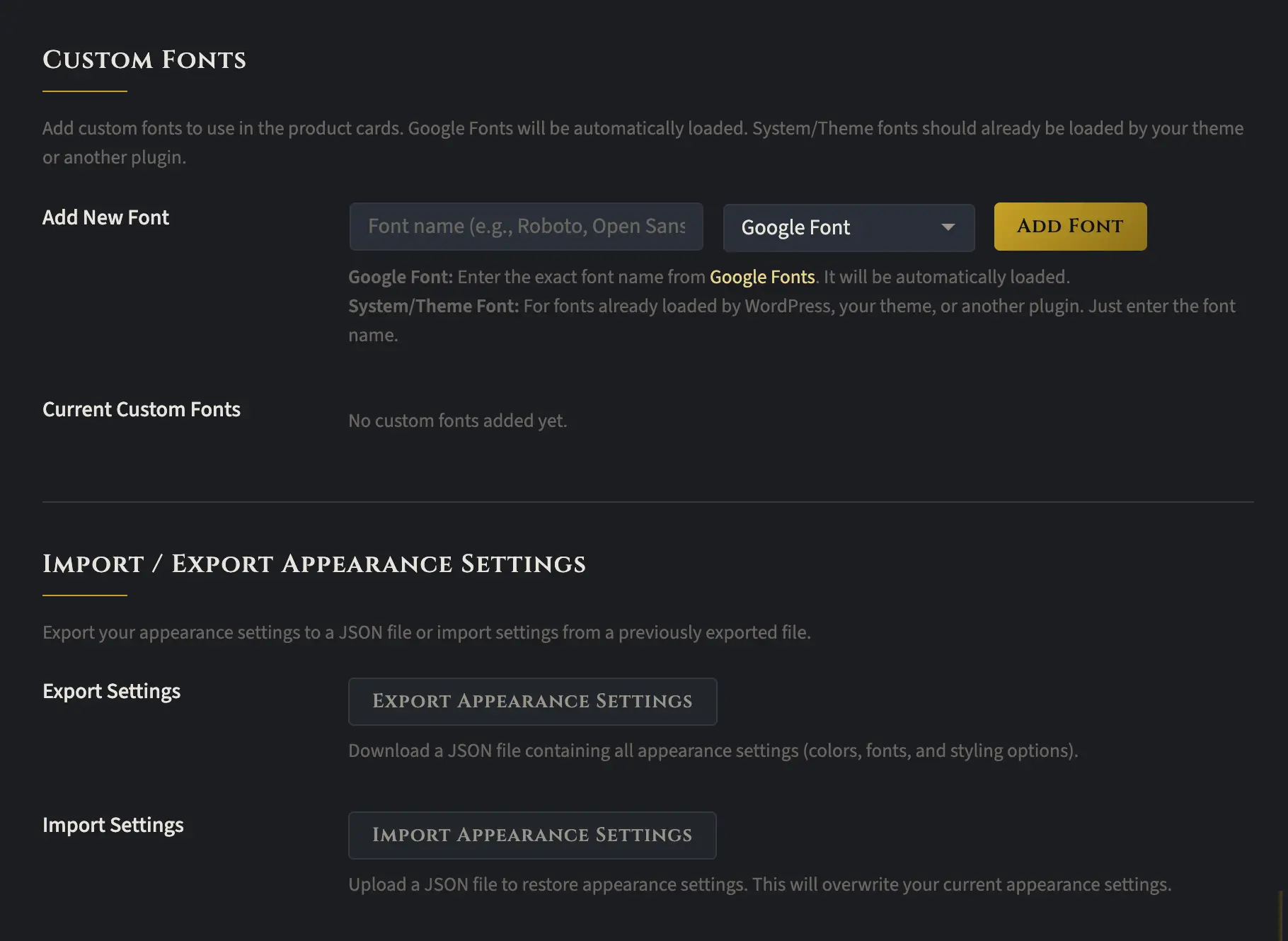
The last section of the Appearance tab lets you add one or more Google fonts. Just type the font name exactly as it appears on Google, and it should load without any issues.
You can also export your appearance settings, which is really handy if you manage multiple websites. If you’ve already styled everything the way you like it, you can import those same settings on your other sites and keep your product boxes looking consistent across your entire portfolio.